 FAQFAQ
https://community.zapier.com/code-webhooks-52/how-do-i-convert-a-json-output-to-plain-text-39070
I have a JSON output that goes as follows:
{
  "Item 1": [
    "Item 1 description."
  ],
  "Item 2": [
    "Item 2 description."
  ],
  "Item 3": [
    "Item 3 description."
  ]
}
Each item has a column in my Google sheet. I want each item description to end up in its relevant column.
Step 1: Input your JSON output into the JSON Helper.
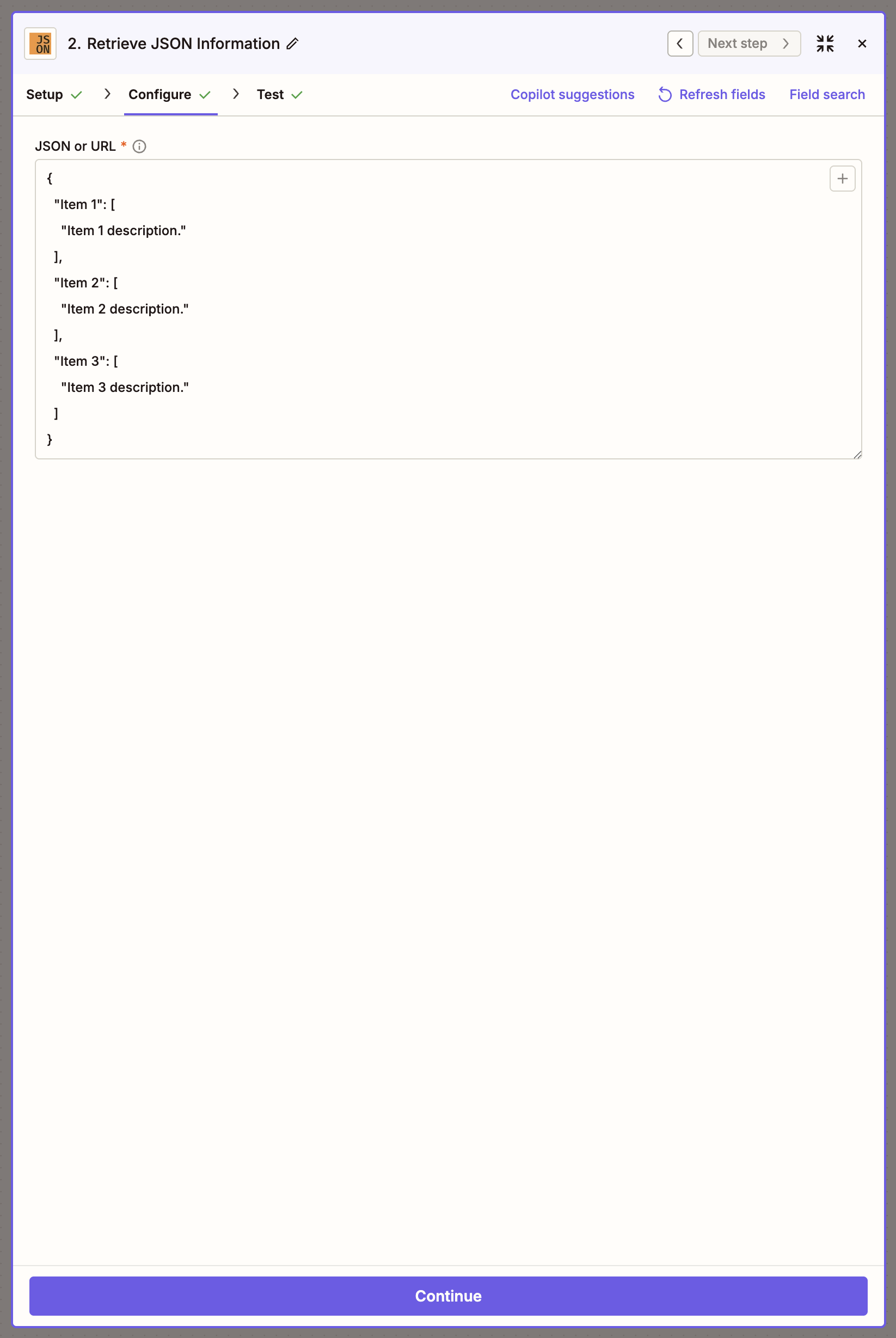
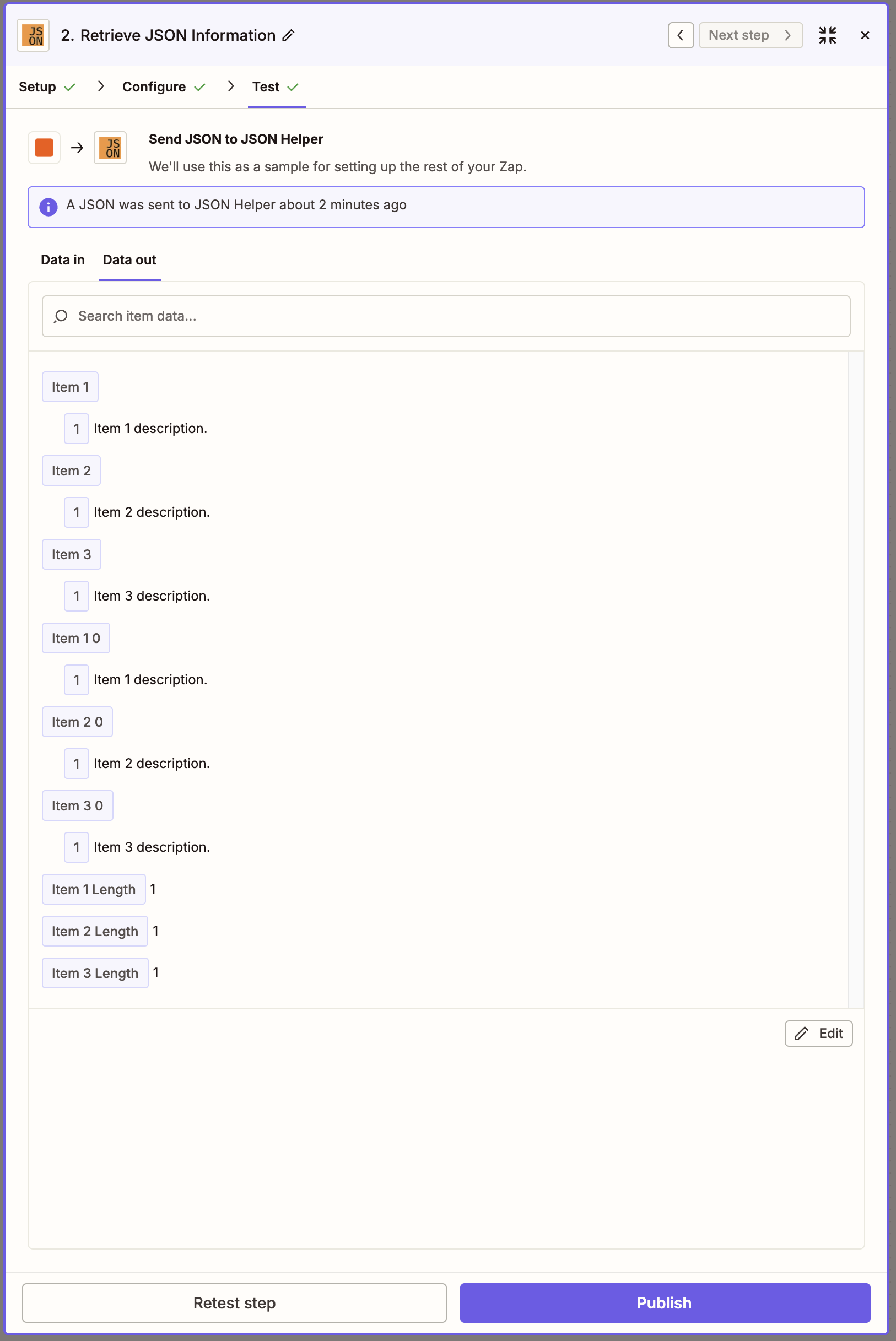
Step 2: Click Continue to see the Item1, Item2, and Item3 listed
https://community.zapier.com/code-webhooks-52/accessing-nested-json-array-data-in-zapier-webhook-555
How can we access nested JSON array elements in a Zapier Webhook?
{
  "paymethod_id": 1,
  "business_id": 529,
  "delivery_datetime": "2020-03-31 17:02:00",
  "driver_tip": 0,
  "pay_data": null,
  "driver_id": null,
  "status": 0,
  "language_id": 1,
  "app_id": "WEBSITE",
  "delivery_zone_id": 923,
  "cash": null,
  "comment": null,
  "customer_id": null,
  "offer_id": null,
  "delivery_zone_price": 0,
  "offer": 0,
  "discount": 0,
  "service_fee": 3,
  "tax_type": 1,
  "tax": 18,
  "to_print": false,
  "updated_at": "2020-03-31 15:02:56",
  "created_at": "2020-03-31 15:02:56",
  "id": 8355,
  "customer": {
    "id": 8355,
    "order_id": 8355,
    "name": "a",
    "photo": null,
    "lastname": null,
    "email": "xxxxx@xxx.biz",
    "dropdown_option_id": null,
    "address": "xxxxxxx, \u0126al G\u0127arg\u0127ur, Mxxxaxx",
    "address_notes": null,
    "zipcode": null,
    "cellphone": "99999999",
    "phone": null,
    "location": {
      "lat": 35.9209037,
      "lng": 14.453120000000016,
      "from_google": false
    },
    "internal_number": null,
    "map_data": null,
    "tag": "other",
    "middle_name": null,
    "second_lastname": null,
    "country_phone_code": null,
    "dropdown_option": null
  },
  "business": {
    "id": 8355,
    "order_id": 8355,
    "name": "xxx.Delivery",
    "logo": "https://res.cloudinary.com/logicpass-ltd/image/upload/v1585508566/guk6401wf4cyvmvph2ij.png",
    "email": "xxx@xxx.biz",
    "city_id": 62,
    "address": "xxxxxxxx",
    "address_notes": null,
    "zipcode": null,
    "cellphone": null,
    "phone": null,
    "location": {
      "lat": 35.8888045,
      "lng": 14.4752306,
      "zipcode": -1,
      "zoom": 15
    },
    "city": {
      "id": 62,
      "name": "xxxa",
      "country_id": 1,
      "administrator_id": 4,
      "enabled": true
    }
  },

  "products": [
    {
      "id": 47326,
      "product_id": 64074,
      "order_id": 8355,
      "name": "Fresh Lactose Free Milk - 0.5l",
      "price": 0,
      "quantity": 1,
      "comment": null,
      "ingredients": [],
      "options": [],
      "featured": false,
      "upselling": false,
      "in_offer": false,
      "offer_price": null,
      "images": null,
      "category_id": 5003,
      "to_string": "1 x Fresh Lactose Free Milk - 0.5l: \u20ac0\n"
    }
  ],

  "driver": null,
  "paymethod": {
    "id": 1,
    "name": "Cash",
    "gateway": "cash",
    "enabled": true,
    "deleted_at": null,
    "created_at": "2018-10-06 18:18:25",
    "updated_at": "2018-10-06 18:18:25"
  },
  "review": null,
  "attachments": [],
  "metafields": [],
  "order_type": "Delivery",
  "delivery_datetime_day": "Tuesday",
  "delivery_date": "2020-03-31",
  "delivery_time": "0",
  "tax_type_description": "Tax included on price",
  "offer_percentage": null,
  "status_name": "Pending",
  "owner_push_id_1": "04eba313-e0f0-4b8c-a060-70a2c22616e8",
  "calculated": {
    "subtotal": 0,
    "tax": 0,
    "delivery_fee": 0,
    "driver_tip": 0,
    "service_fee": 0,
    "discount": 0,
    "total": 0
  }
}
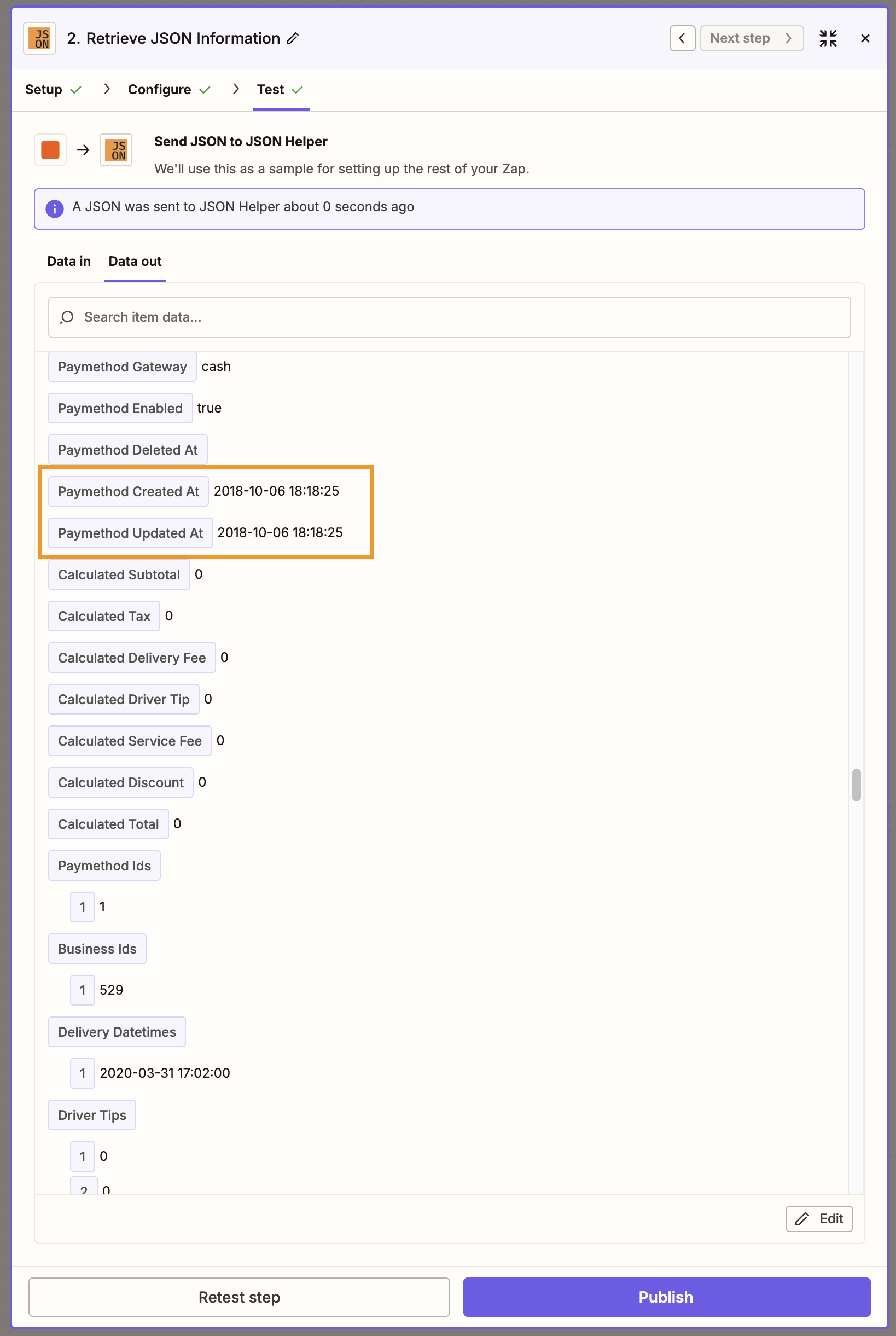
Step 1: Input your JSON output into the JSON Helper.
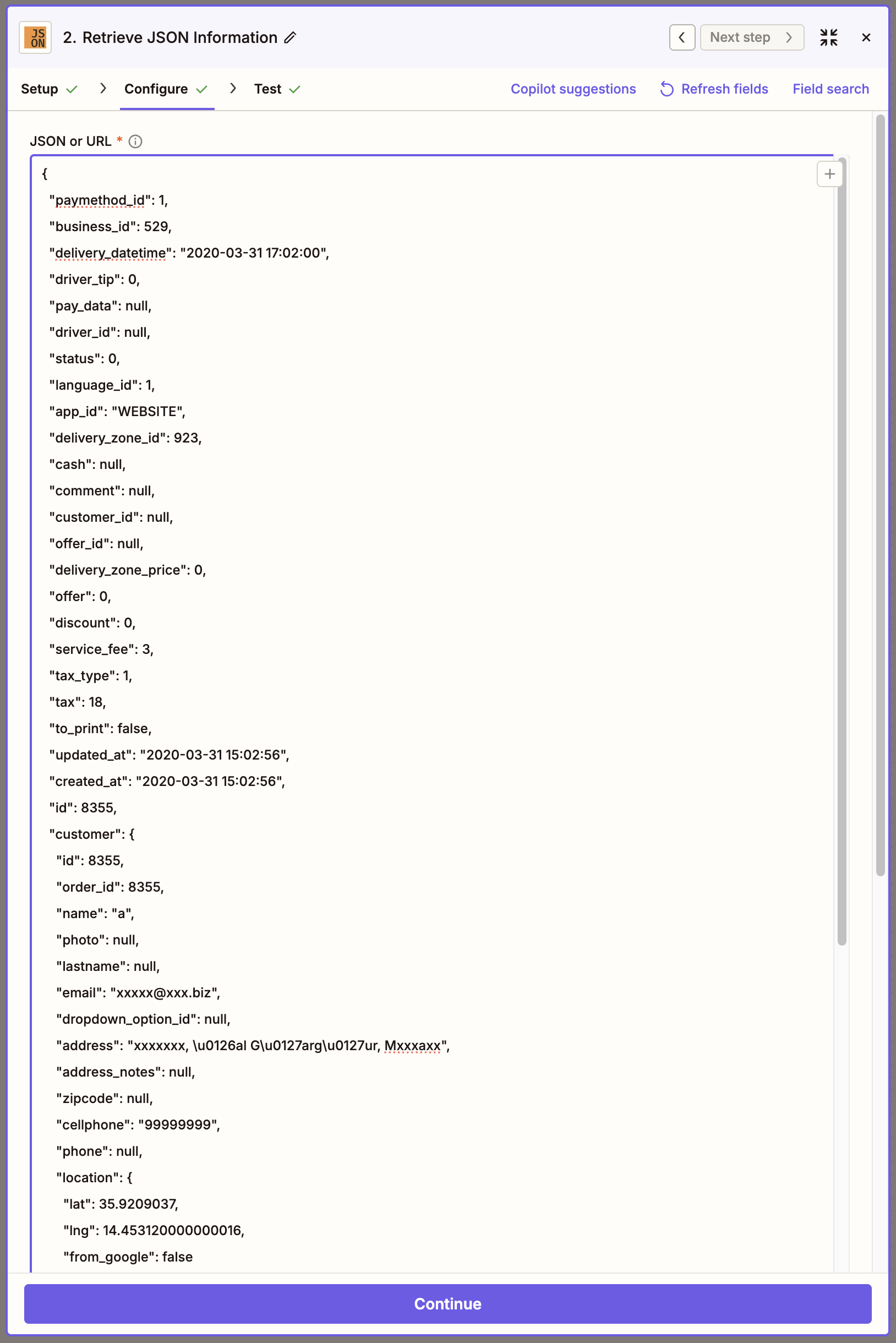
Step 2: Click Continue to see nested JSON as flattened JSON
https://community.zapier.com/code-webhooks-52/count-number-of-json-arrays-15845
I have a configurable list in Jotform that comes to Zapier in what looks like JSON(?):
[
  {
    "Name": "Luke Skywalker",
    "Number": "123456",
    "Degree": "Test",
    "Specialty": "Test",
    "Owner/Associate": "Owner",
    "Count": "1"
  },
  {
    "Name": "Buzz Lightyear",
    "Number": "654321",
    "Degree": "Test",
    "Specialty": "Test",
    "Owner/Associate": "Associate",
    "Count": "1"
  }
]
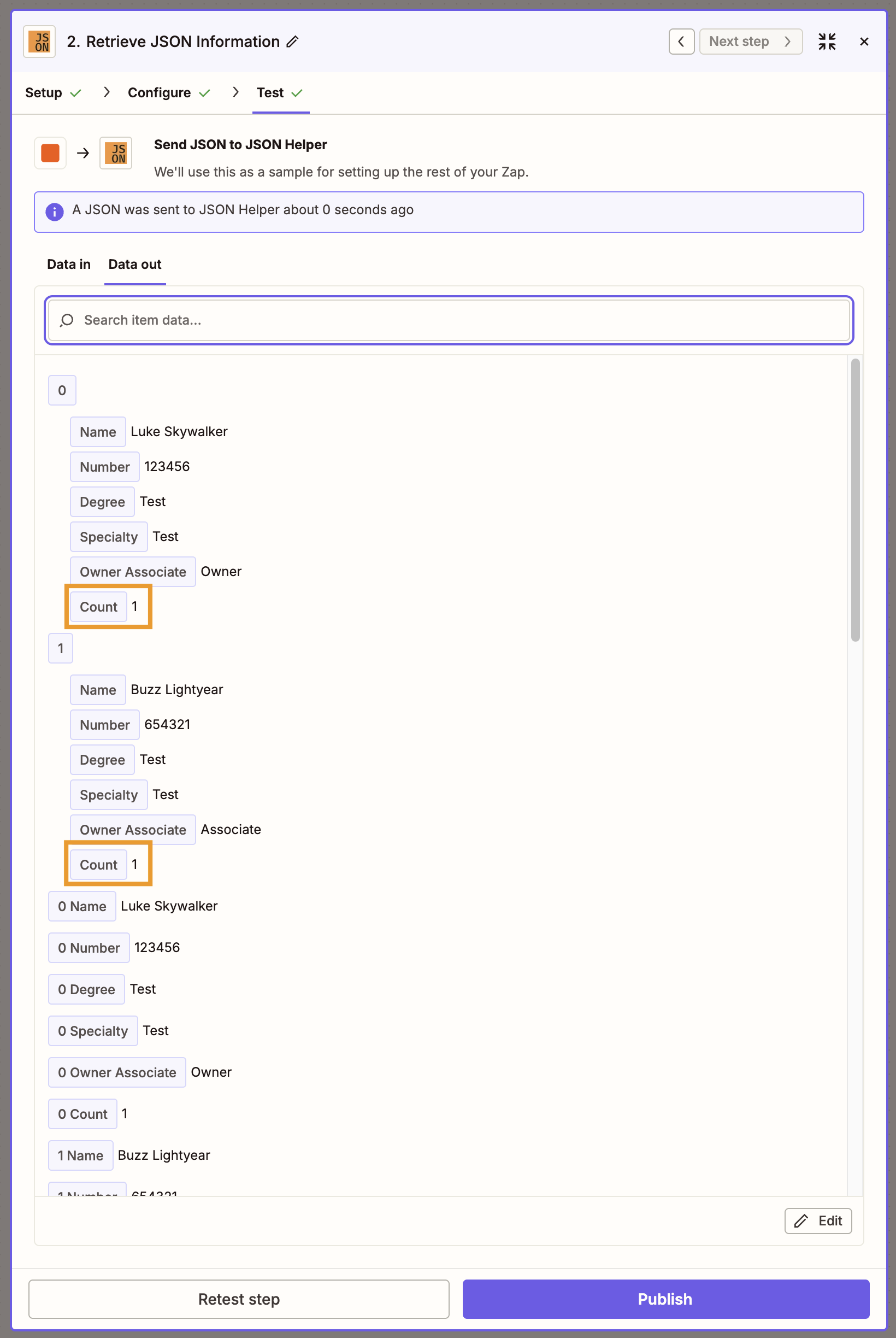
I am not sure how to get a count from that. I really just want to know how many there are.
Any help would be appreciated. Thanks!
Step 1: Input your JSON output into the JSON Helper.
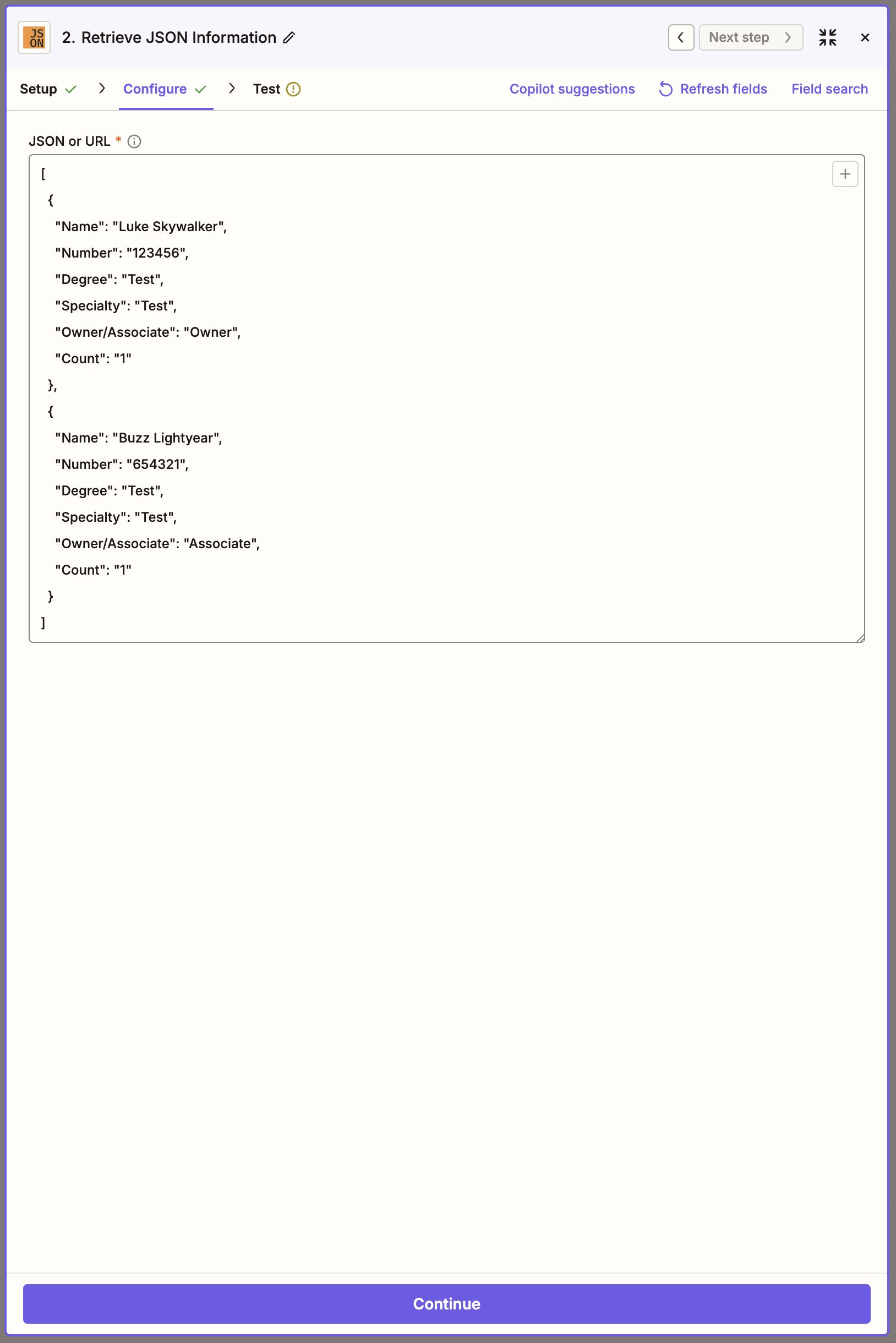
Step 2: Click Continue to JSON count
https://community.zapier.com/code-webhooks-52/how-to-parse-json-objects-15893
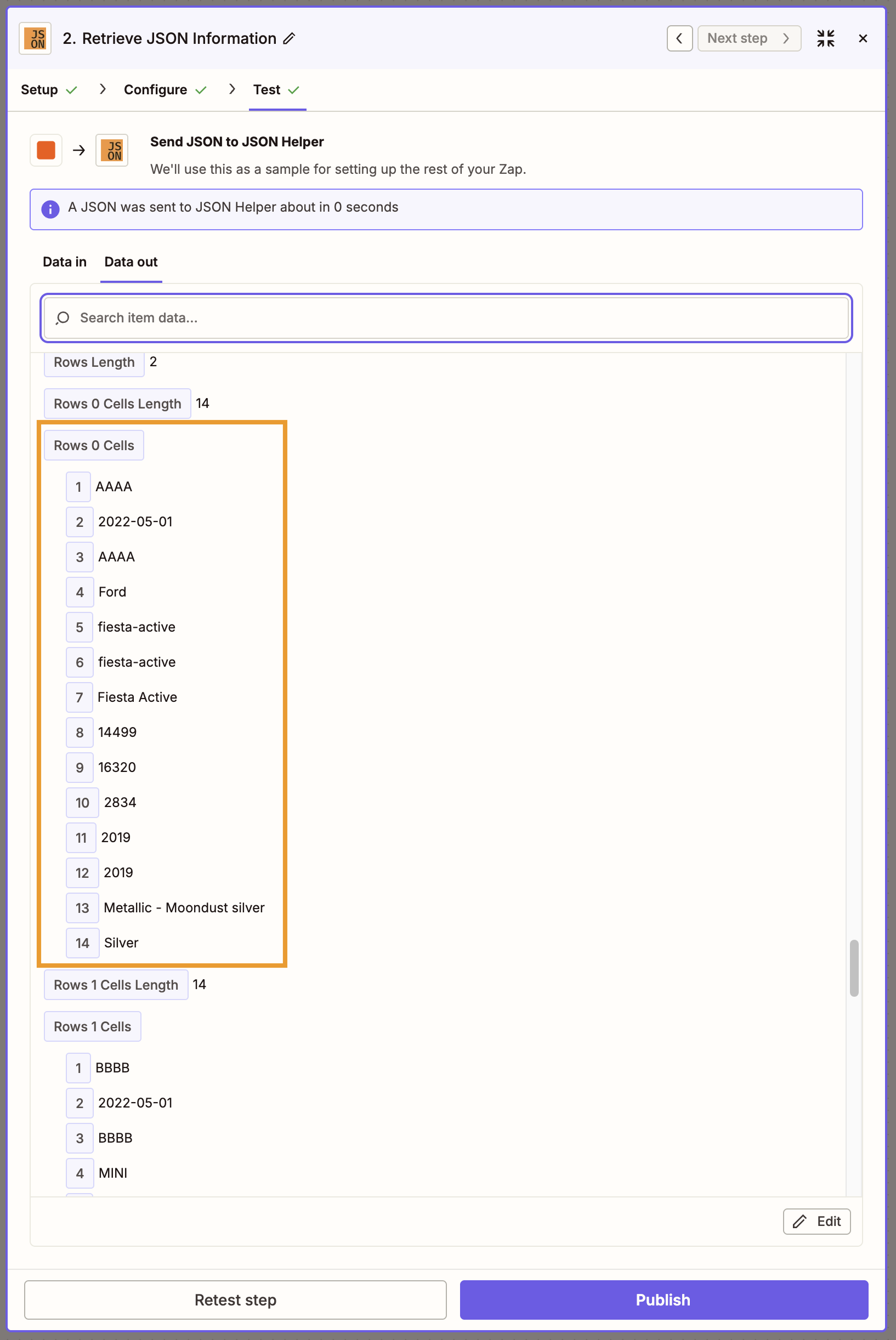
Hello all, I’m trying to use data coming from a JSON file but I cannot find the right way to do so. I’m struggling on how the data is coming from another tool and make it available to use. JSON I’m getting looks like this
{
  "headings": [
    {
      "name": "KEY",
      "table": "SQL",
      "type": "STRING"
    },
    {
      "name": "CREATED",
      "table": "SQL",
      "type": "DATE"
    },
    {
      "name": "REG_PLATE",
      "table": "SQL",
      "type": "STRING"
    },
    {
      "name": "MAKE_SLUG",
      "table": "SQL",
      "type": "STRING"
    },
    {
      "name": "CANONICAL_MODEL_SLUG",
      "table": "SQL",
      "type": "STRING"
    },
    {
      "name": "MODEL_SLUG",
      "table": "SQL",
      "type": "STRING"
    },
    {
      "name": "MODEL_NAME",
      "table": "SQL",
      "type": "STRING"
    },
    {
      "name": "PRICE",
      "table": "SQL",
      "type": "INT"
    },
    {
      "name": "MARKET_VALUE",
      "table": "SQL",
      "type": "INT"
    },
    {
      "name": "MILEAGE",
      "table": "SQL",
      "type": "INT"
    },
    {
      "name": "MODEL_YEAR",
      "table": "SQL",
      "type": "STRING"
    },
    {
      "name": "REG_YEAR",
      "table": "SQL",
      "type": "INT"
    },
    {
      "name": "COLOUR",
      "table": "SQL",
      "type": "STRING"
    },
    {
      "name": "GENERIC_COLOUR",
      "table": "SQL",
      "type": "STRING"
    }
  ],
  "rows": [
    {
      "cells": [
        "AAAA",
        "2022-05-01",
        "AAAA",
        "Ford",
        "fiesta-active",
        "fiesta-active",
        "Fiesta Active",
        "14499",
        "16320",
        "2834",
        "2019",
        "2019",
        "Metallic - Moondust silver",
        "Silver"
      ]
    },
    {
      "cells": [
        "BBBB",
        "2022-05-01",
        "BBBB",
        "MINI",
        "3-door-hatch",
        "3-door-hatch-2018",
        "3-Door Hatch",
        "14500",
        null,
        "12464",
        "2019",
        "2019",
        "Metallic - Starlight blue",
        "Blue"
      ]
    }
  ]
}
And what I’m trying to do is to have
KEY: "AAAA"
CREATED:"2022-05-01"
REG_PLATE:"AAAA"
MAKE_SLUG:"Ford"
CANONICAL_MODEL_SLUG:"fiesta-active"
MODEL_SLUG:"fiesta-active"
MODEL_NAME:"Fiesta Active"
PRICE:"14499"
MARKET_VALUE:"16320"
MILEAGE:"2834"
ODEL_YEAR:"2019"
REG_YEAR:"2019"
COLOUR:"Metallic - Moondust silver"
GENERIC_COLOUR:"Silver"
So each one of the names are a column and the rows stay as rows so I can pass this to a google/sheet. I’ve been looking at several related posts but I’m not being able to find anything related.
Step 1: Input your JSON output into the JSON Helper.
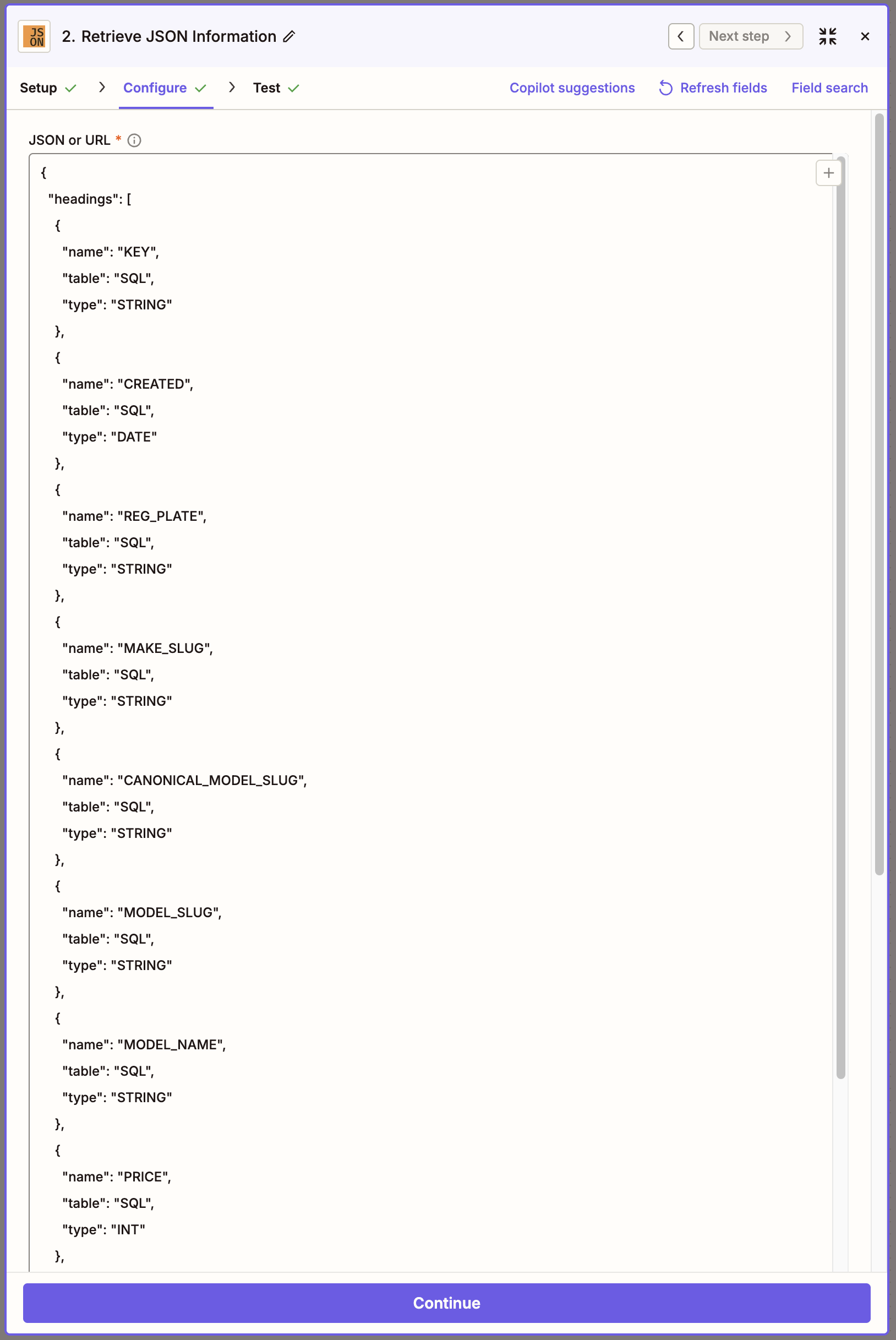
Step 2: Click Continue to see the JSON as a table